The same list every changeover day: cleaning, making the beds, a check by the maintenance team. You no longer have to create those tasks yourself. You set up once what needs to happen, and Verbleif then prepares the tasks for you.
Start with an example
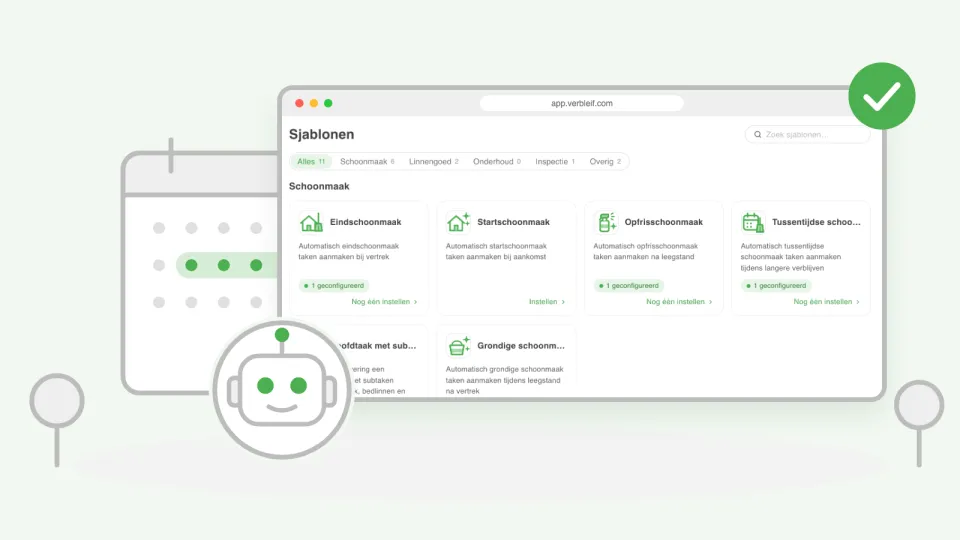
You don't have to start from scratch. Under Templates you will find ready-made examples, for instance for arrival, departure, the final clean or guests with a pet. Pick one and adjust it to your park. You choose what kind of task it is, who gets it and when it has to be done.
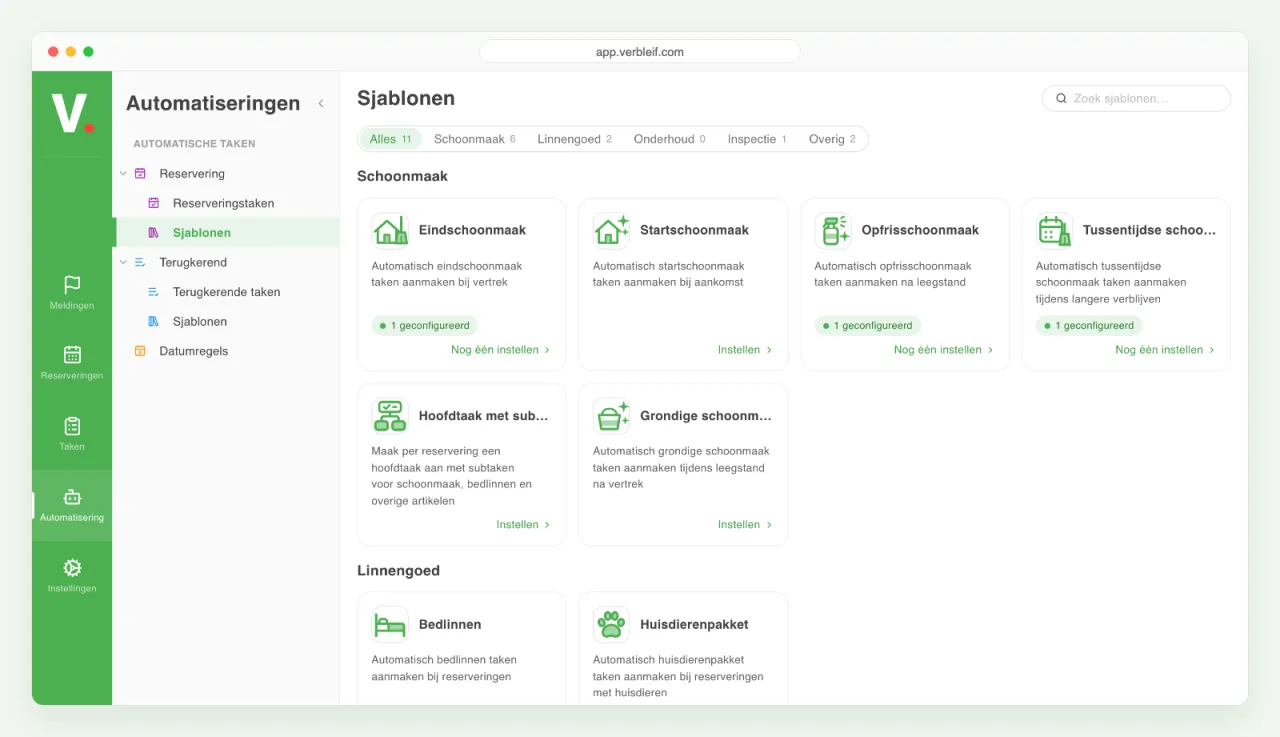
If we improve an example, you see it on the example, with what has changed. You choose whether to adopt the new version.
On arrival and departure of guests
Verbleif can prepare a task when guests arrive or leave. That way the final clean is always ready on the changeover day, without anyone having to remember it.
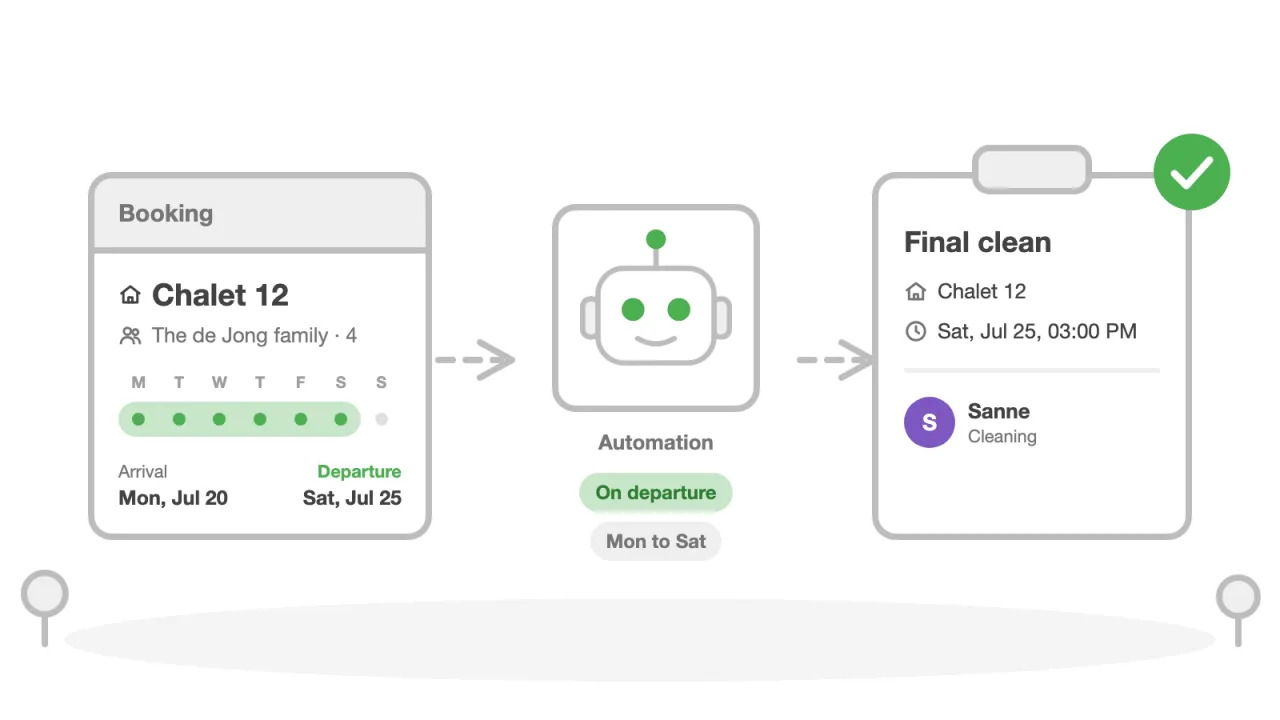
You can make it as precise as you like:
- Only on certain days, for instance Monday to Saturday. If a task falls on another day, you choose whether it comes a day earlier or later.
- Not on public holidays, or on other days you choose yourself.
- After maintenance: if an accommodation is closed for maintenance, the cleaning only comes after that.
- Depending on the booking, such as the number of guests, a pet, early check-in or late check-out.
If a booking changes, the task changes with it. A task that is already done stays done, even if the booking changes or is cancelled afterwards.
An automatic task can also include an item, for instance a baby cot that belongs to the booking. The task then says what has to be brought or collected and how many. If you mark the task as completed, Verbleif adjusts the stock.
At fixed moments
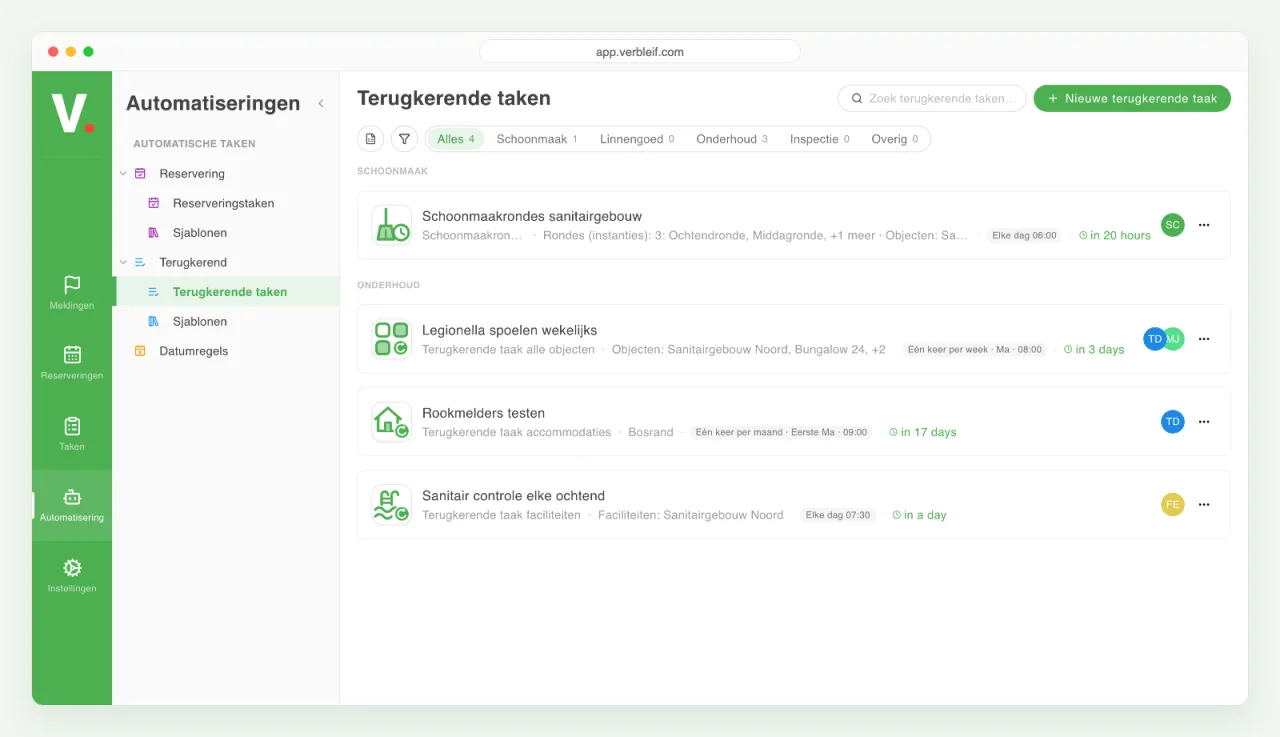
Not every task belongs to a guest. For work that keeps coming back, such as a check every week or a round every month, you set how often and until when the task comes back. If nothing was prepared one time, for instance because it was switched off for a while, you choose whether those missed tasks still come.
You also decide what happens if the previous task is not done yet: a new task anyway, wait until the previous one is done, or reopen the old task.
Big jobs in small pieces
You split a big job into smaller tasks under one main task. They appear together in the task list, and you create them right away when you create or edit the task, also for several tasks at once.
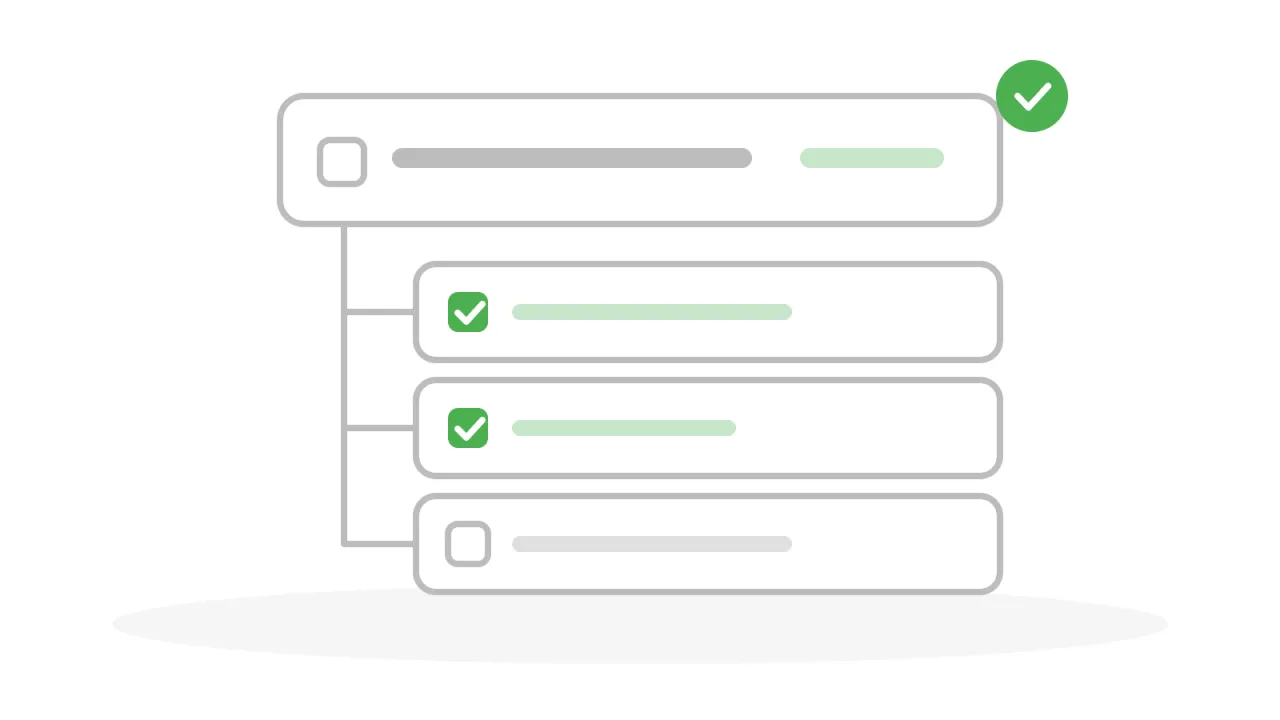
The smaller tasks follow their main task. You choose what changes along with it: the place, the booking, the status or the day it has to be done. And if you want, the main task is done automatically as soon as all the smaller tasks are done.
Everything together in one place
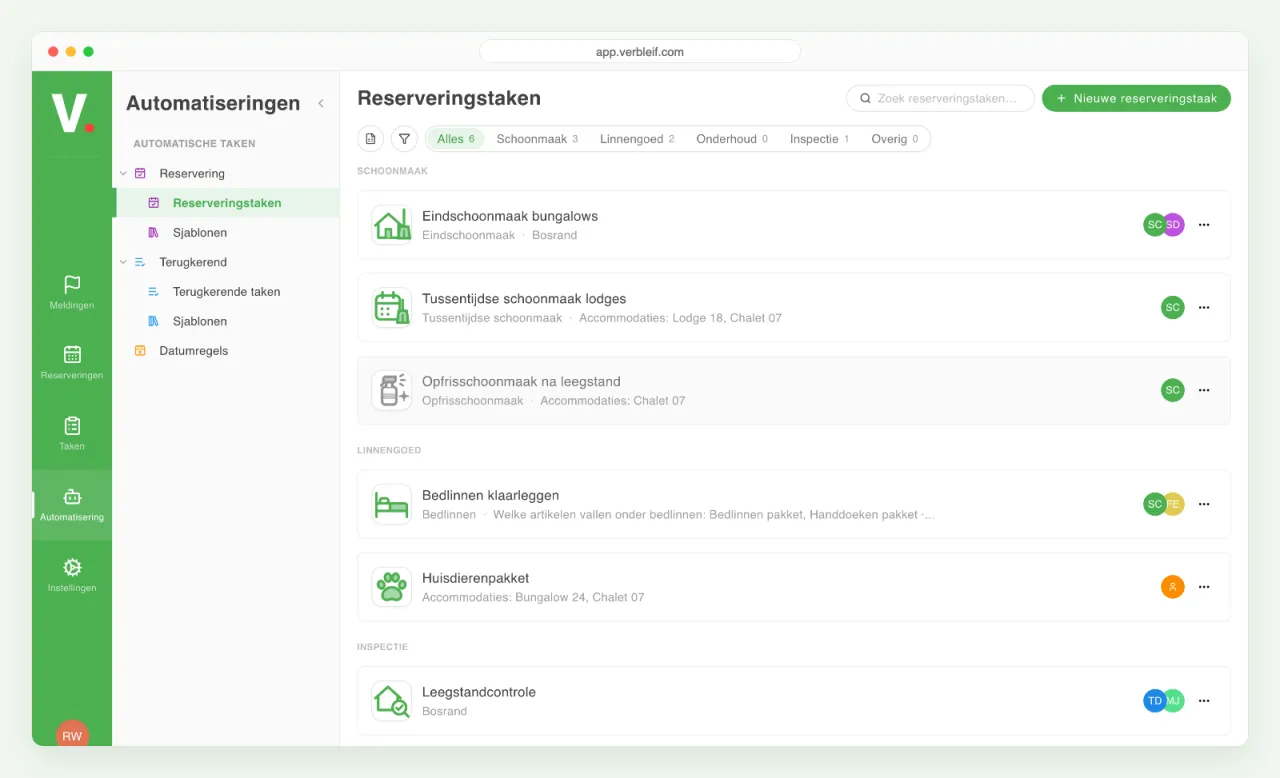
If you click Automation on the left in the menu, you will find Automatic tasks from templates. The tasks for arrival and departure are under Reservation tasks, the tasks at fixed moments under Recurring tasks, with the examples next to them. You see right away what is on and what is off. You switch something on or off, adjust it, or put the list in Excel.
If you remove something, you choose what happens to the tasks: they stay, only the tasks that are not done yet disappear, or everything goes.
Also for bookings that already exist
If you switch on an automatic task while there are already bookings in Verbleif, you don't have to skip those. Verbleif can create the tasks for those bookings as well, so the coming changeover days are complete right away. You see beforehand how many tasks it involves.
Do you want to share the overview with a colleague or the owner? Put the list of automatic tasks in Excel with one click.
Good to know
- Automatic tasks belong to the booking they were made for. If you open the task, you see which guests it is about.
- A task that is already completed is never quietly overwritten. If a booking is dropped, the completed tasks stay.
- You need the right to manage automations. Ask your administrator if you don't see Automation in the menu.
How to get started
In Verbleif, click Automation on the left and open Automatic tasks from templates. Pick an example under Templates, fill in what you want and switch it on. Before you switch it on, you see exactly what is going to happen.