
Latest article
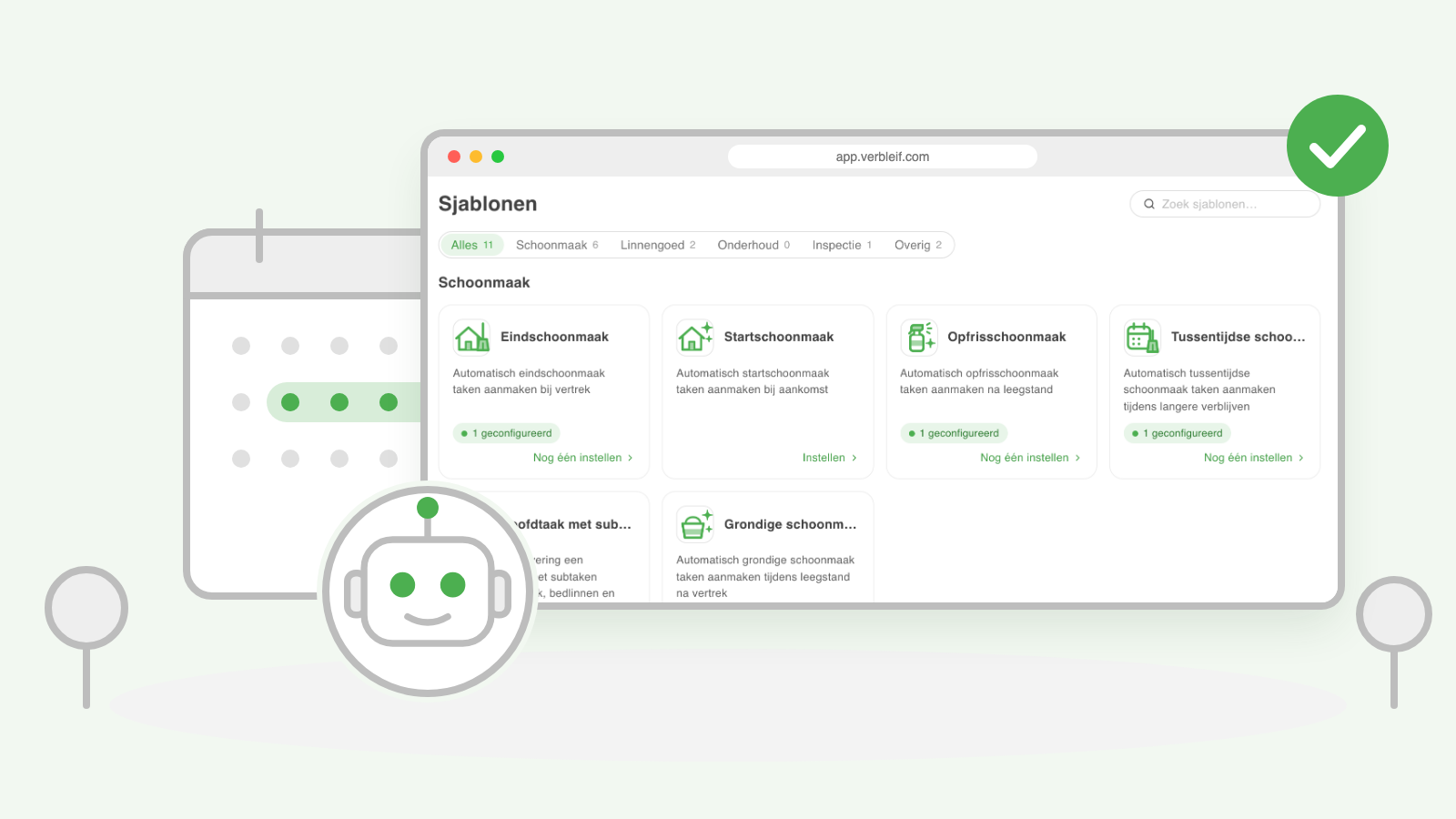 Latest article
How automatic tasks work
Set up once what needs to happen on arrival, on departure or at fixed moments. Verbleif then prepares the tasks for you, and adjusts them when a booking changes. Read the articleAll articles
7 articles-
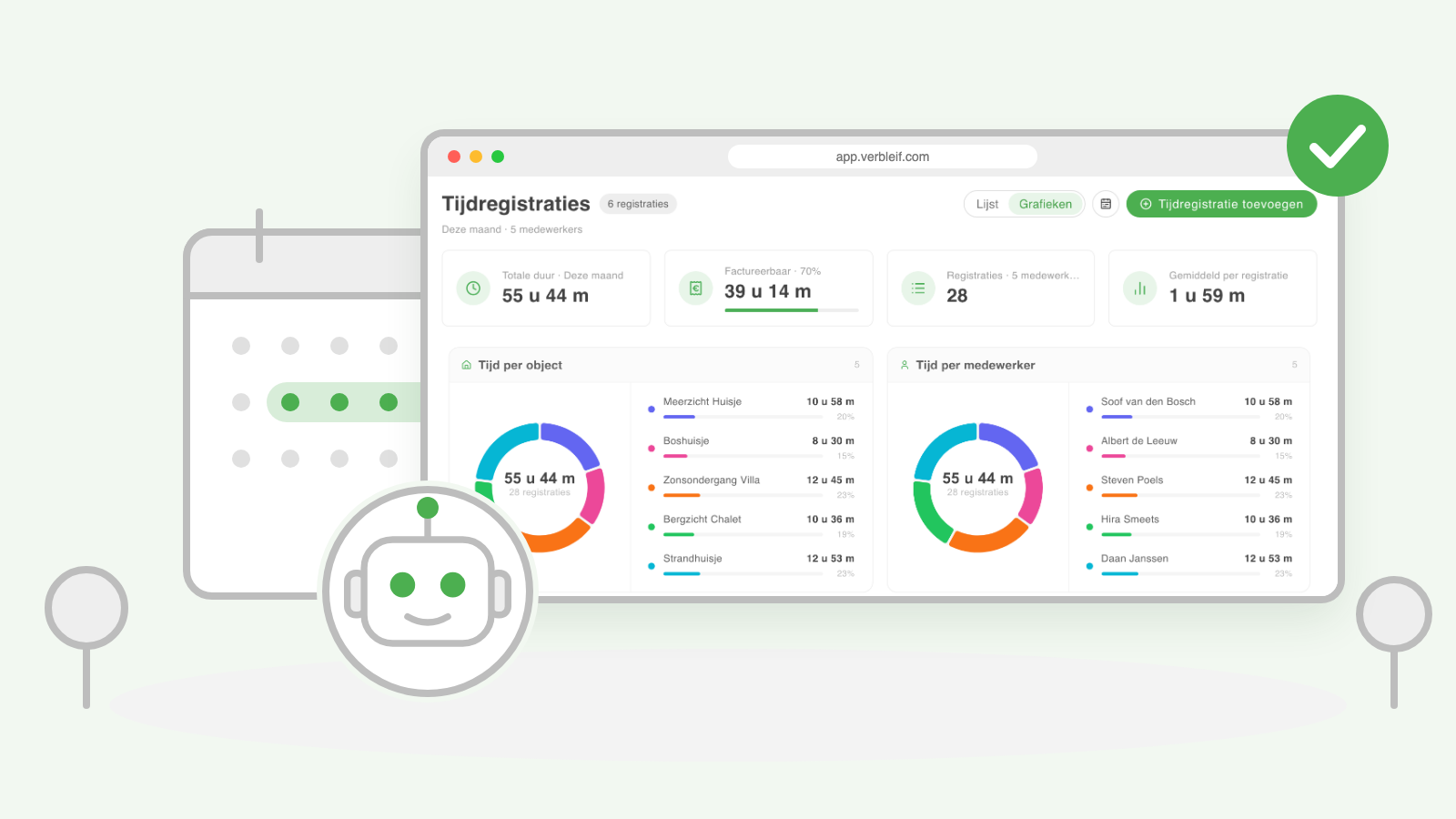
New in Verbleif: week 45
This week: tasks that are ready before you ask, three new overviews that show what the work costs, and assigning several tasks in one go. Read more -
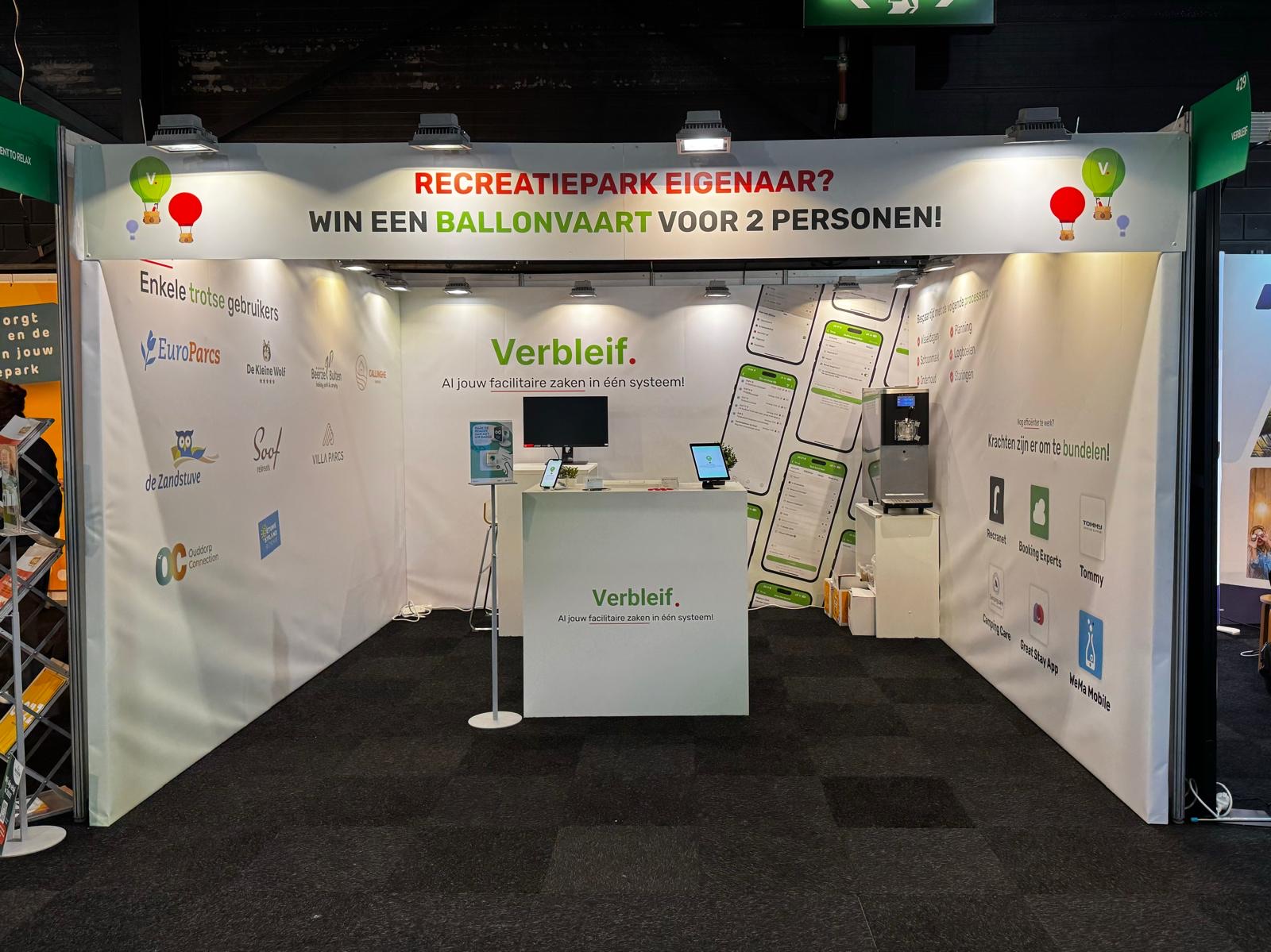
Visit us at booth 429: see what's new
From 17 to 19 November we'll be at the Recreatie Vakbeurs in Hardenberg. With a long list of new features, and an ice cream for everyone who walks in. Read more -
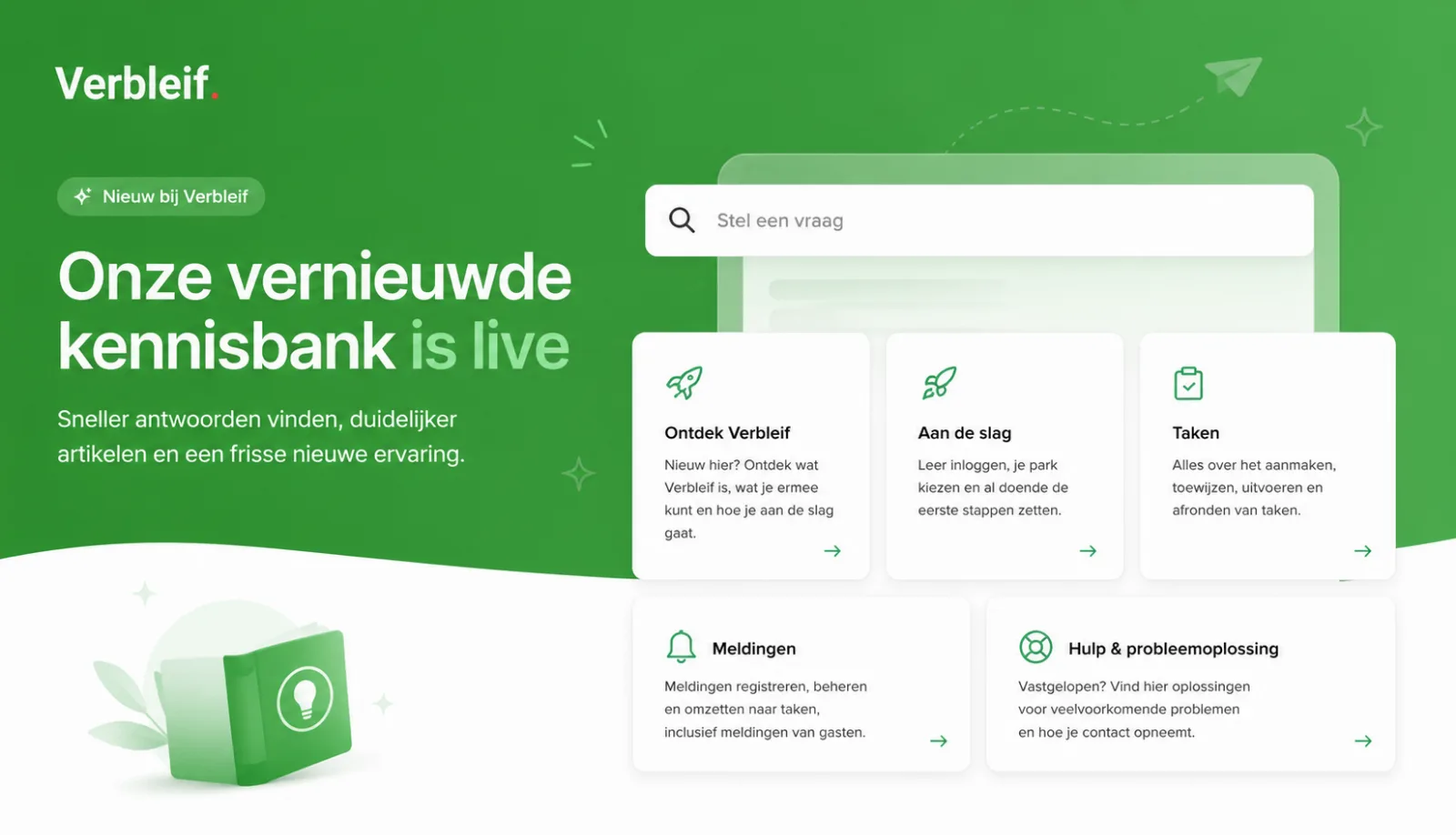
Our renewed knowledge base is live
We have completely renewed our knowledge base. You will find clear explanations and step-by-step guides on working with Verbleif: from completing your first task to changeover days, guest reports, walk routes and settings at your park. Read more -
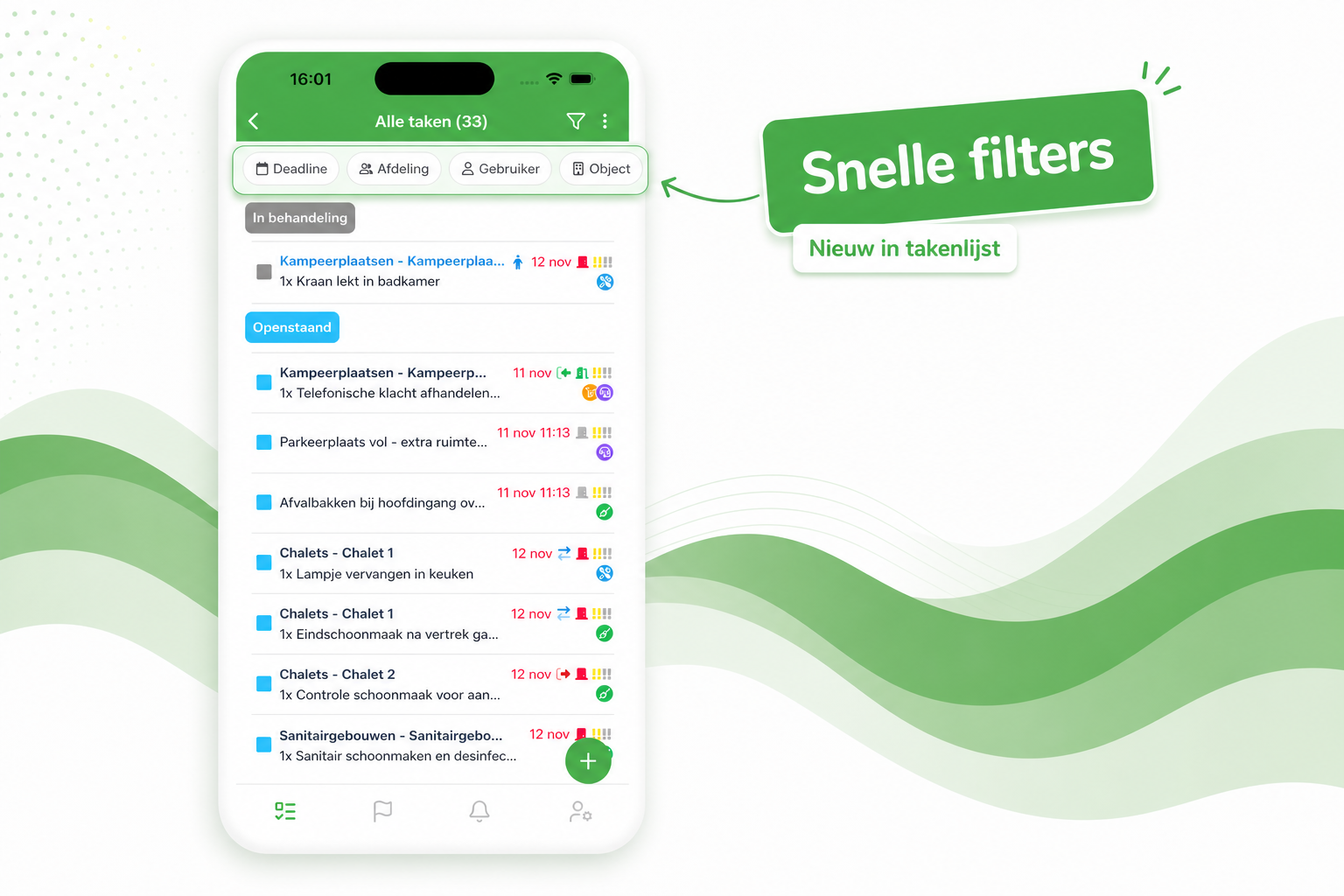
Quick filters in the task list
The task list now opens with a row of quick filters at the top: Deadline, Department, User, Object and more, so with a single tap you immediately see the right tasks, without first opening the full filter window. Read more -
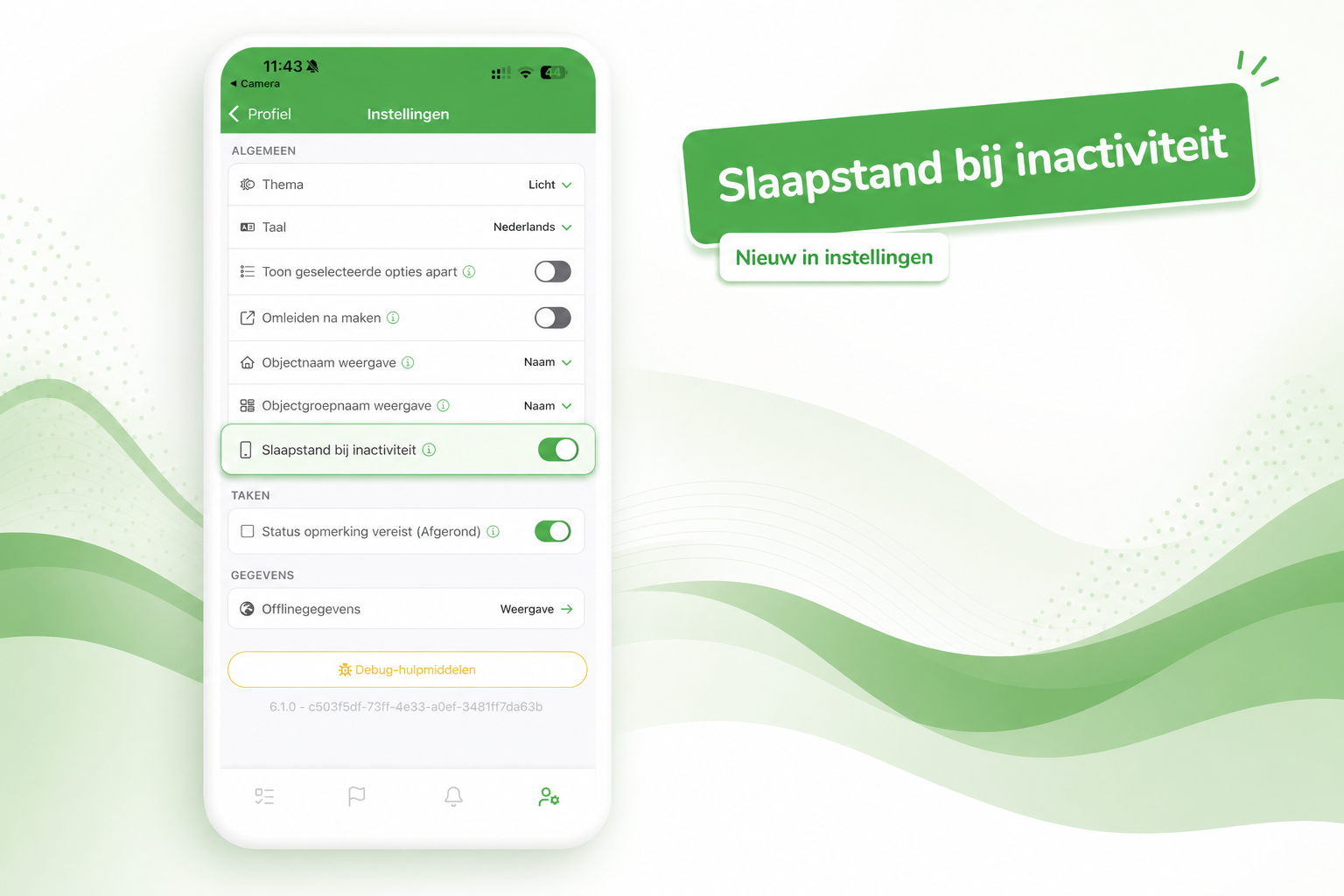
Sleep on inactivity
A new setting has been added that allows the app to sleep when it is inactive. Read more -
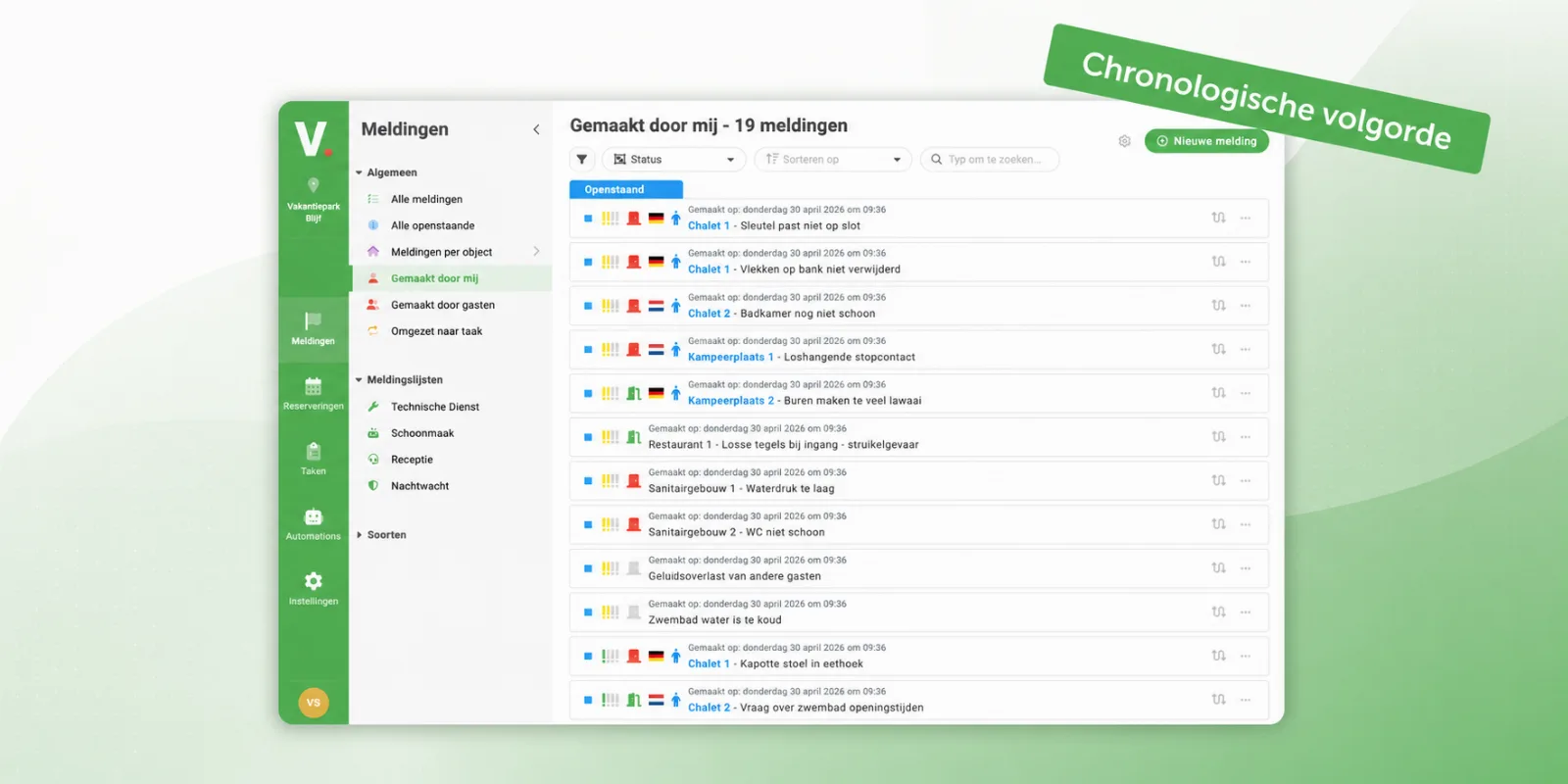
Notifications are now in chronological order.
This update ensures that notifications are displayed in chronological order. Read more
See it on your own park
Book a demo and we walk you through Verbleif, tailored to your own situation.